
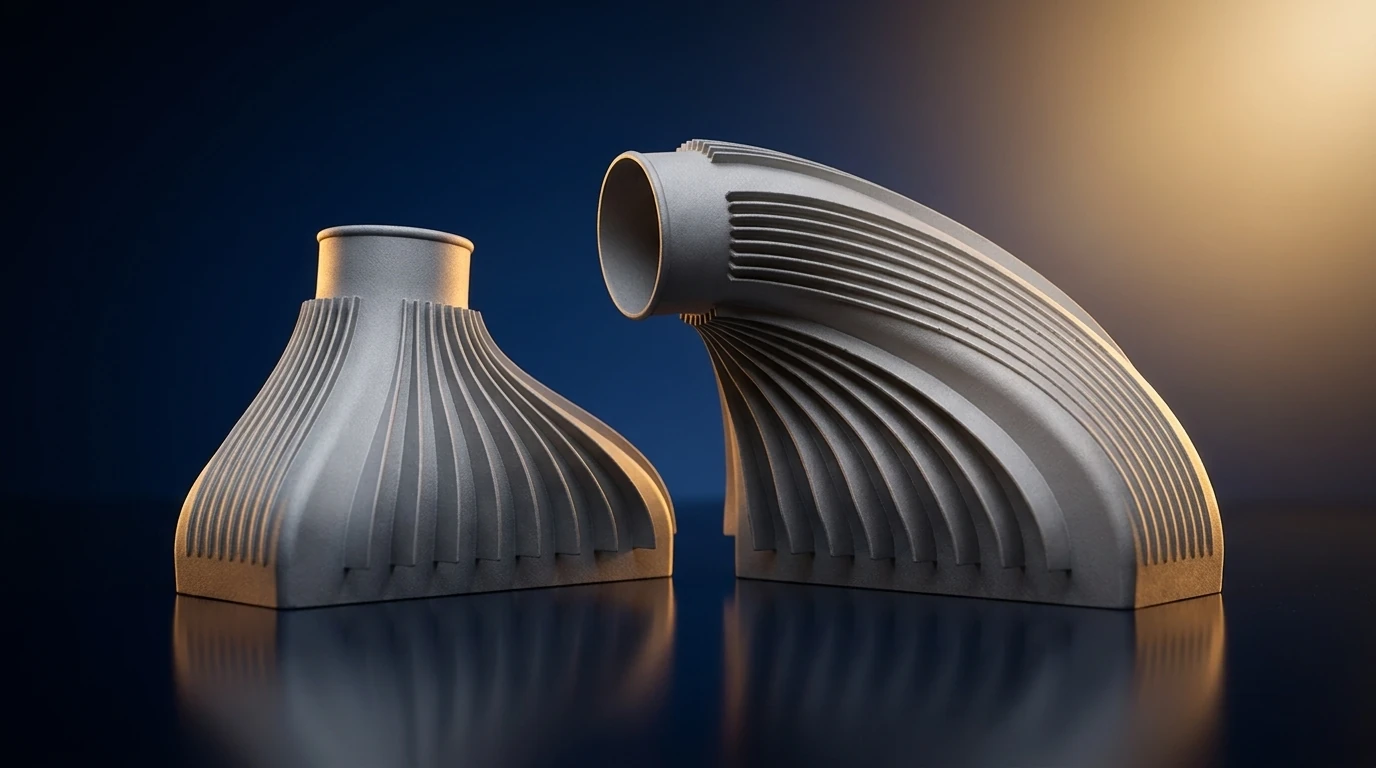
Design for additive manufacturing (DfAM) is the difference between a printed part that justifies the process and one that merely survives it. Take a design drawn for a mill or a mould, send it to a printer unchanged, and you get the worst of both worlds — none of additive’s advantages and several of its problems. DfAM flips that: it designs the part for how the machine builds, layer by layer, so the geometry does things no subtractive process can. This guide covers the rules that matter, why each one exists, and how they change between metal and polymer.
Why DfAM is the biggest lever you have
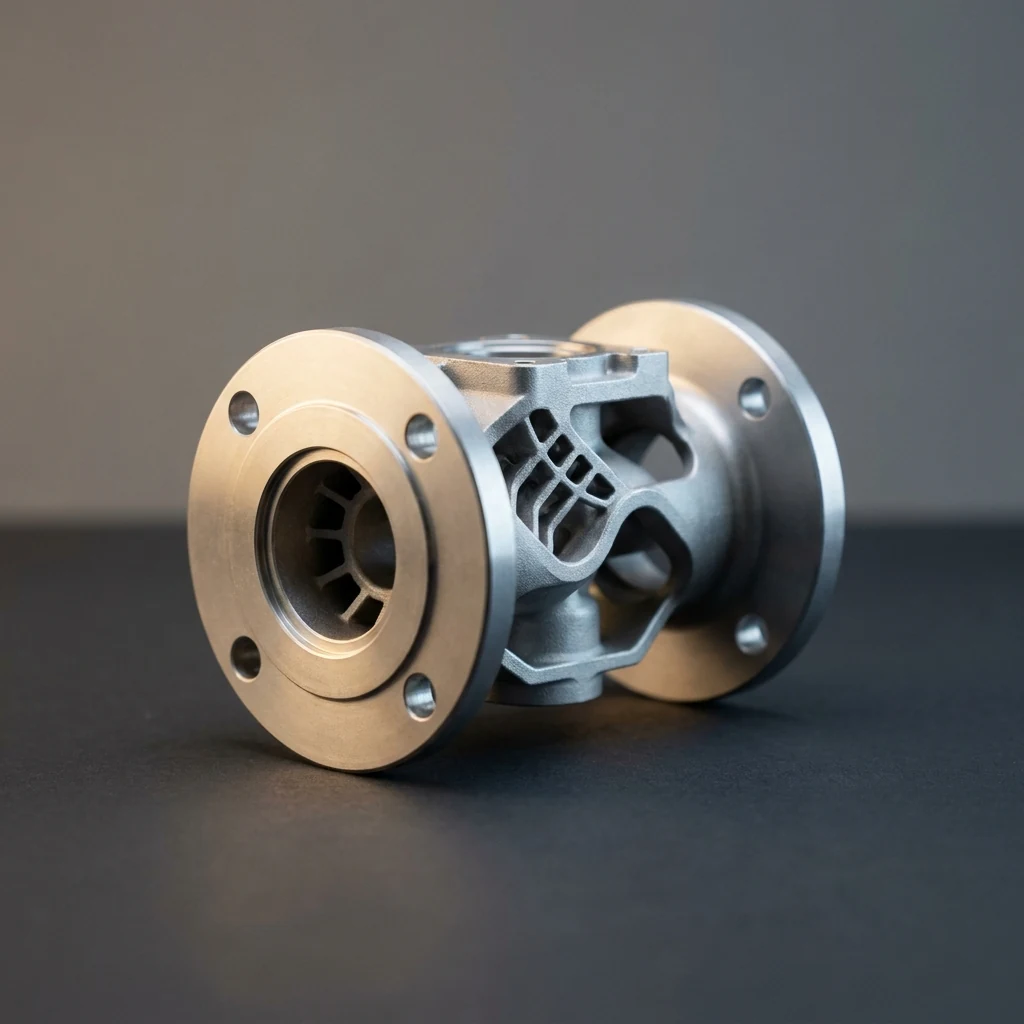
Additive’s value is unlocked in the CAD model, not the printer. A part designed for machining is a solid block with material removed; printed as-is, it wastes powder, holds residual stress, and ignores everything additive is good at. A part designed for additive is hollowed, latticed, consolidated and oriented to build cleanly. Same machine, same material — a completely different result in weight, cost and lead time. Get DfAM right and the rest of the process gets easier; get it wrong and no printer setting will rescue the part.
The rules that matter
1. Consolidate parts. Every joint you delete is a fastener, a seal, a leak path and a failure point removed. Additive’s headline win is turning an assembly into one component — the classic example is a fuel nozzle that replaced a 20-piece assembly with a single printed part. Look for sub-assemblies that can become one.
2. Add lattices and remove mass. Material only belongs where load travels. Topology optimisation and lattice infill strip mass from everywhere else, cutting weight (and, for flying parts, fuel) without losing strength. This is impossible to machine and free to print.
3. Keep overhangs self-supporting. Below roughly 45° from horizontal, an overhang needs support structures — and supports cost material, print time and hours of removal, especially inside channels. Chamfer, fillet or teardrop features so they build on themselves.
4. Route conformal cooling. Cooling channels can follow the hot surface instead of being straight-line drilled. On a printed mould or a hot-section part, that is often the single biggest reason to print it at all.
5. Keep walls uniform. Thick sections next to thin ones cool at different rates, and in metal that means residual stress, distortion and cracking. Even wall thickness and gradual transitions keep the part flat and true.
6. Orient deliberately. Orientation on the build plate decides four things at once: which direction is weakest (layers always bond weaker in Z), which surfaces come out smooth, how much support is needed, and how long the build takes. It is a design decision, not a printer setting.
7. Vent internal channels. Trapped volumes hold loose powder or uncured resin that cannot get out. Add drainage and escape holes so internal features can be cleaned.
8. Leave machining stock. As-built surfaces will not hold a tight tolerance or a fine finish. Add a few tenths of a millimetre of stock to sealing faces, bores and datums that will be machined after printing.
9. Design for the whole chain. A metal part is not finished at the printer — stress relief, HIP, heat treatment and machining follow. Leave access for support removal, grip features for fixturing, and think about how the part sits in the furnace. Plan post-processing into the model, not after it.
10. Respect the process resolution. Every process has a minimum wall, hole and feature size, and a surface texture. Design below it and features fail to form; ignore the texture and you will be surprised by the finish. Know the limits of the machine before you draw to them.
DfAM changes with the process
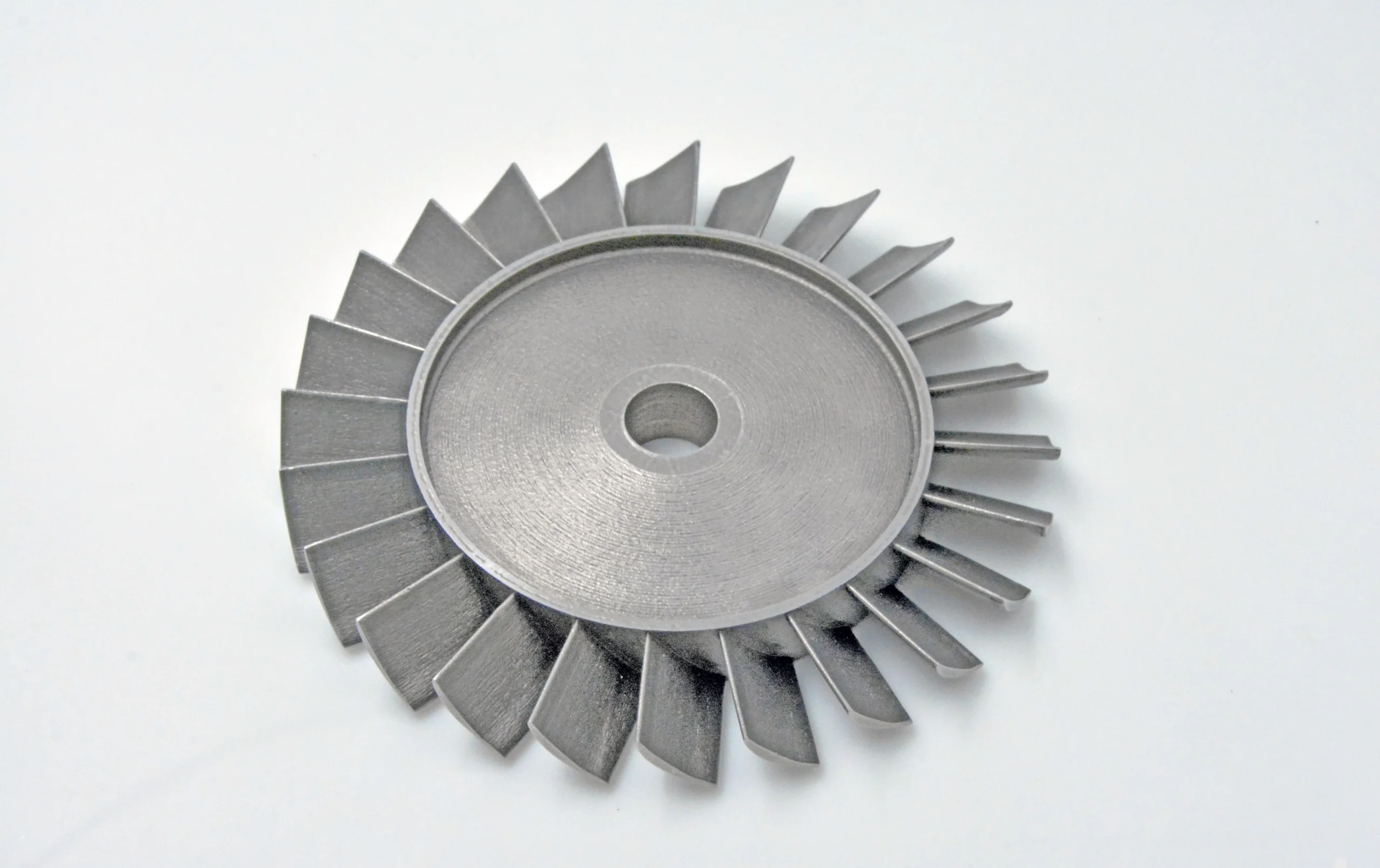
The rules adapt to how each machine works. Metal LPBF is dominated by heat: residual stress, supports and post-processing drive most design decisions — see the Inconel and metal service guides for how that plays out. SLS needs no supports at all, so complex geometry is nearly free, but wall thickness and powder escape still rule. FDM is cheap but overhang-limited and weak between layers. Large-format printing trades resolution for speed and finishes by machining, so DfAM there is about near-net shape and even walls (see large-format). One design does not port across processes unchanged.
Getting DfAM right
The cheapest place to fix a part is the CAD model; the most expensive is the third failed build. A short design-for-additive review before the first print — process, orientation, supports, walls, post-processing — pays back every time. If you are scoping a part, our engineers run that review as part of the metal 3D printing service; if you are building in-house, start from the process and the printer and material, then draw to their rules. New to the whole picture? Start with what additive manufacturing is.
Frequently asked questions
What is design for additive manufacturing (DfAM)?
Designing a part specifically for a 3D printing process - using lattices, part consolidation and self-supporting geometry - instead of porting a design meant for machining or moulding.
What are the main DfAM rules?
Consolidate parts, add lattices to remove mass, keep overhangs self-supporting above about 45 degrees, use uniform walls, orient for strength and finish, vent internal channels, and leave machining stock on critical faces.
Why does part orientation matter in 3D printing?
Orientation sets which direction is weakest (layers bond weaker in Z), the surface finish, how much support is needed and the build time - so it affects strength, cost and quality at once.
Does DfAM differ between metal and polymer printing?
Yes. Metal LPBF is dominated by residual stress, supports and post-processing; SLS needs no supports; FDM is overhang-limited; large-format finishes by machining. The rules adapt to the process.
Have a question or a project? Let’s talk.
Tell us what you need — a real applications engineer replies within 24 hours. NDA on request, no sales script.