
In stock
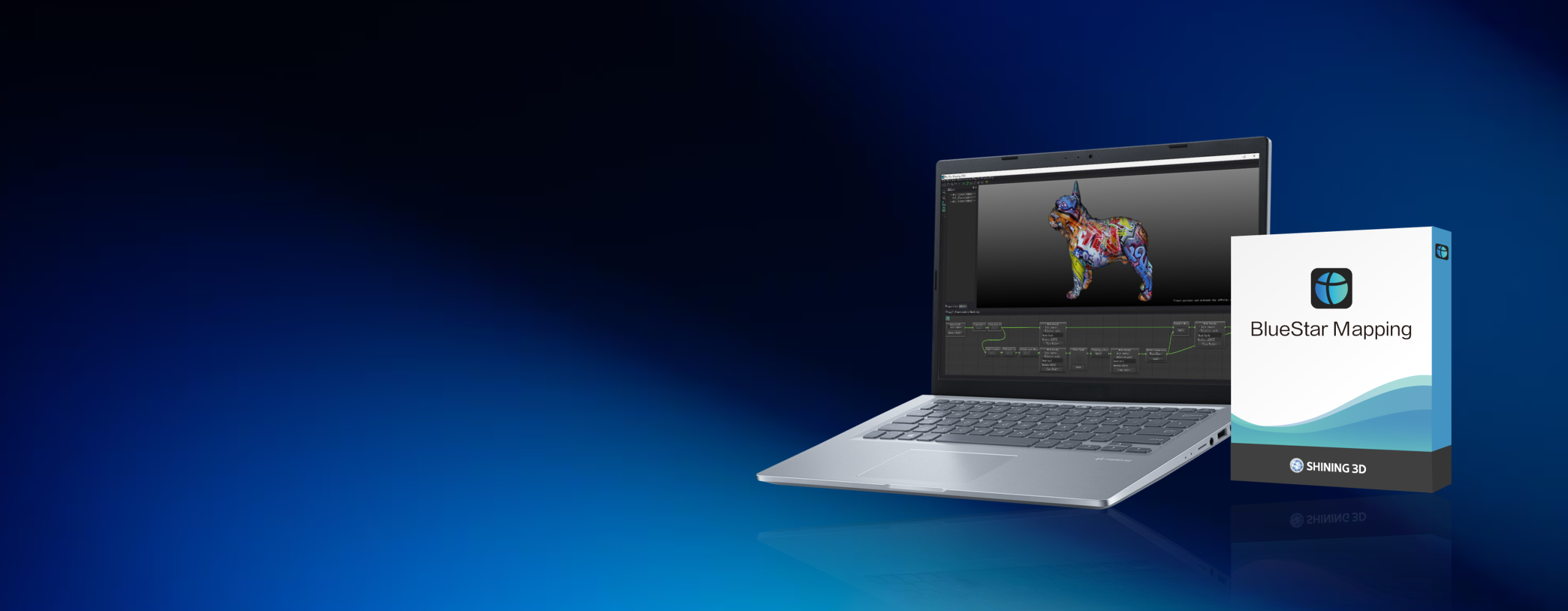
- Software + license setup resolution tier matched to your work
- Onboarding + workflow photo-to-texture configured
Shining 3D BlueStar Mapping Texture Software – True-Color 3D Texture Mapping | Up to 16K
- ✓ Multi-angle phone or DSLR photos → true-color texture on your scan · up to 16384×16384 (16K)
- ✓ ≤0.1 mm mapping accuracy · AI main-body detection · real-time seam editor and global color balancing
- ✓ STL / OBJ input · exports OBJ, PLY, FBX, STL, OFF · works with all 3D scanners
- ✓ Delivered as a licensed download — issued to order, request pricing
What your capture team actually checks
Texture your scanner can't capture alone
BlueStar Mapping projects real photos onto the mesh at up to 16384×16384 (16K), ≤0.1 mm mapping accuracy, and CIEDE2000 ≤5 color fidelity — true photographic color and detail beyond a scanner's onboard texture, with no re-scan needed.
An applications engineer on the line
Help with photo capture, AI main-body detection, seam editing, and color balancing — from engineers who run this software. Try it on a sample job first. Sub-4h reply, NDA on request.
SHINING3D BlueStar Mapping is texture-mapping software that projects true-color photographic texture onto a 3D-scan model. It maps multi-angle photos captured on a smartphone or DSLR camera onto the mesh, producing a model with high-precision, high-clarity, true-color texture — up to 16384×16384 (16K) resolution at ≤0.1 mm mapping accuracy, in around 30 minutes.
Why engineers choose BlueStar Mapping
Real-photo texture, mapped accurately onto the scan and refined fast.
True-color from real photos
Multi-angle photos from a smartphone or DSLR are projected onto the scan mesh as photographic texture — up to 16384×16384 (16K), 24-bit — well beyond what a scanner’s onboard color capture resolves.
Mapping you can trust
Mapping accuracy is ≤0.1 mm, with mapping error held to ≤0.08 + 0.02×D/300 mm and chromatic aberration to CIEDE2000 ≤5 — so texture lands on the right geometry with true color, not drift.
AI main-body detection
An interactive semantic-segmentation AI model extracts the object’s main body — learn once, one-click apply to every photo — filtering out backgrounds, light spots, and lens contamination to ≤0.01%.
Seam editing + Photoshop round-trip
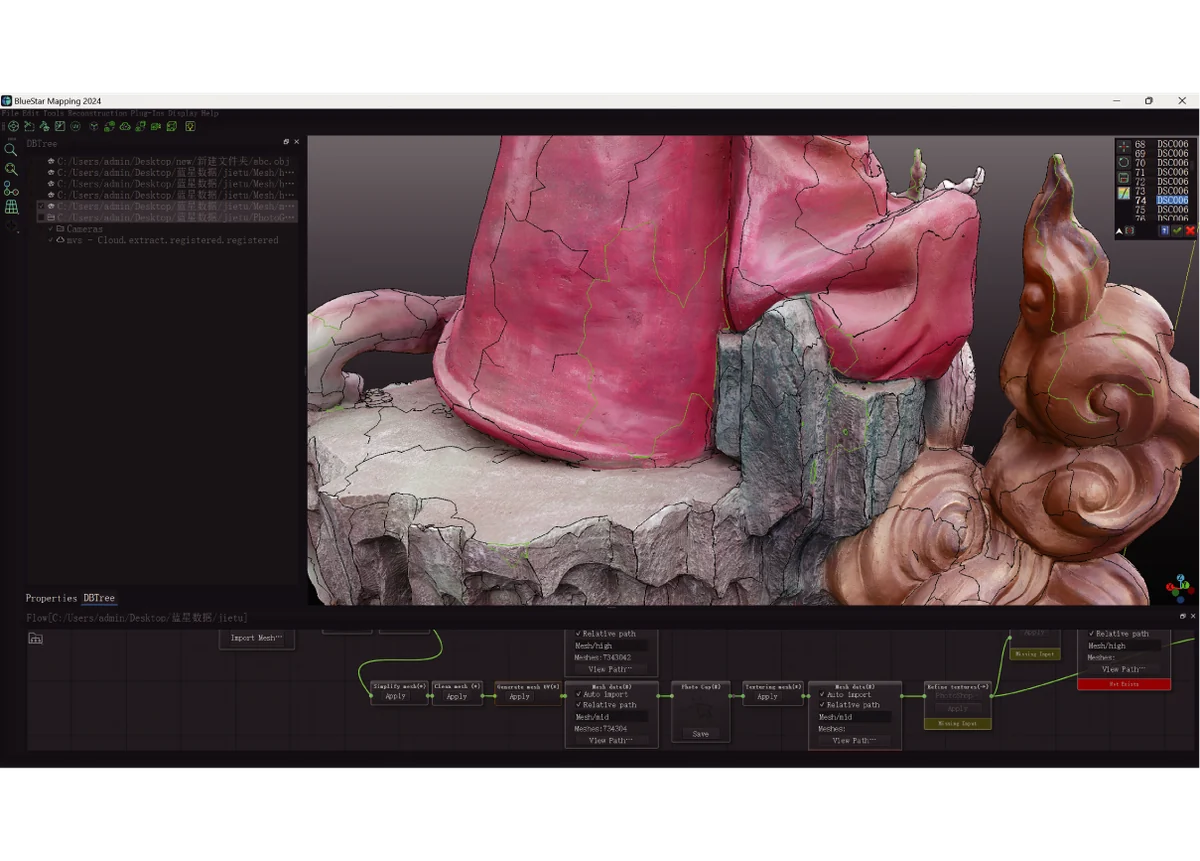
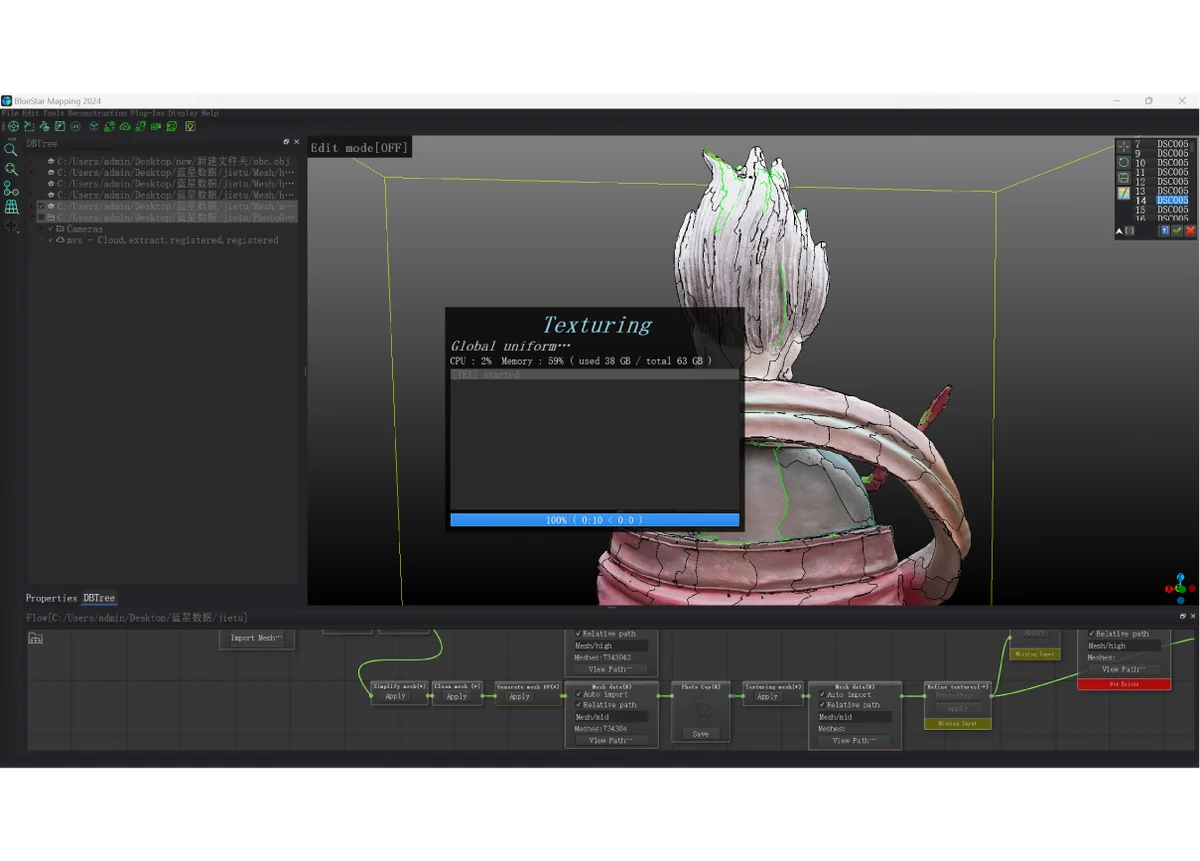
A real-time seam editor filters distortion along texture seams, Global Uniform balances brightness and contrast, and Photoshop integration lets edits in third-party software update the texture live in the app.
How Additive Plus delivers BlueStar Mapping
Licensed, set up, and supported for your texturing workflow.
License & install
We license BlueStar Mapping and install it on your Windows workstation, set up to pull scans from your 3D scan software with a one-click transfer.
Train & workflow
Onboarding on photo capture, AI main-body detection, seam editing, color balancing, and export — so your team textures a scan start to finish within 30 minutes.
Support that answers
Questions on a tricky seam, color balance, or a specific scanner pairing go to engineers who run this software. Sub-4h reply, NDA on request.
How BlueStar Mapping Works: Photos to True-Color Texture
BlueStar Mapping imports a scan mesh (STL or OBJ) plus a set of multi-angle photos. Relative orientation calculates each photo’s position and builds a sparse point cloud, AI main-body detection isolates the object across every shot, then the photos are mapped and blended into a seamless, distortion-filtered texture. The finished model exports to OBJ, PLY, FBX, STL, and OFF for downstream 3D, AR, or rendering pipelines. See the full specifications below.
Texture Quality & Accuracy
Texture output runs at three resolution tiers — 4096×4096 (free), 8192×8192, and 16384×16384 (16K) — supporting multiple 16K textures at 102 dpi, 24-bit depth in JPG. Mapping accuracy is ≤0.1 mm and color fidelity is held to CIEDE2000 ≤5 chromatic aberration, with foreign objects, light spots, and lens contamination filtered to ≤0.01%. A built-in Texture Baker bakes Albedo and Normal maps via Marmoset for use in game engines and rendering tools.
Typical applications
True-color texturing across capture, design, and media.
Why Source BlueStar Mapping Through Additive Plus
- Authorized reseller — licensing matched to your work, with a demo before you commit
- Onboarding on the photo-to-texture workflow, seam editing, and export included
- Application engineers who run this software — capture setup and color-balancing help
- US-based support with a sub-4h response · 200+ scanning and AM systems delivered across 23 countries
Pair BlueStar Mapping with a scanner or modeling tool
Complete the scan → texture → model → verify workflow.
Scan-to-CADSHINING3D EXModelView software →
Inspection softwareSHINING3D InspectView software →
| Brand | Shining 3D |
| Software Type | Photo-to-texture / true-color texture-mapping software |
| Texture Resolution | 4096×4096 (free), 8192×8192, 16384×16384 (16K) · 24-bit JPG |
| Mapping Accuracy | ≤ 0.1 mm · mapping error ≤ 0.08 + 0.02×D/300 mm |
| Color Accuracy | Chromatic aberration CIEDE2000 ≤ 5 · artifact filtering ≤ 0.01% |
| Input Formats | STL, OBJ |
| Export Formats | OBJ, PLY, FBX, STL, OFF |
| Camera Equipment | Smartphone, DSLR camera (multi-angle photos) |
| Key Features | AI main-body detection, real-time seam editor, global color balancing, Photoshop integration, texture baker (Marmoset) |
| Compatible Hardware | All 3D scanners · seamless with Shining 3D scanners |
| Workflow | Texture and refine within 30 minutes · one-click transfer from 3D scan software |
| Operating System | Windows |
| Licensing | Licensed download — issued to order, request pricing |
Product videos
Send us a scan and a set of photos and we'll run a sample photo-to-texture job — see the true-color result before you license.
Other products teams run alongside Shining 3D BlueStar Mapping Texture Software – True-Color 3D Texture Mapping | Up to 16K
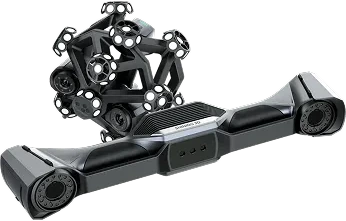
Wireless dynamic-tracking metrology system that pairs the UE Nova wide-range handheld laser scanner with the TE Nova and integrated video photogrammetry (VPG) — 0.02 mm accuracy and 0.062 mm volumetric accuracy over 12 m³, with most parts scanned without markers.
- ✓ 0.02 mm accuracy · 0.062 mm (12 m³) · 0.046 + 0.012 mm/m with VPG · VDI/VDE 2634 Part 3 & ISO 10360, tested in Shining 3D’s ISO/IEC 17025 accredited lab
- ✓ Field of view up to 2600 × 2200 mm · 3.5 m tracking range · resolution 0.01–10 mm
- ✓ Fully wireless, separable system · TE Nova 1.2 kg / UE Nova 1.6 kg · router included
- ✓ 1-year Shining 3D warranty · authorized US reseller
- ✓ Ship date confirmed by email after you order
Made to order
· Ship date confirmed by email after you order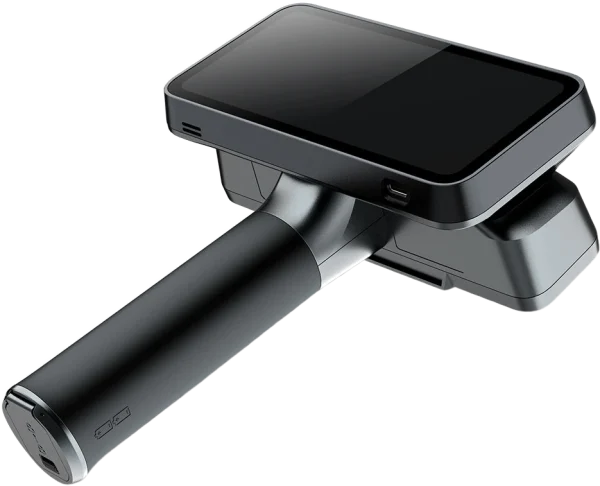
Tri-mode laser 3D scanner — wireless standalone, PC-wireless, or PC-wired — with up to 0.04 + 0.06 mm/m volumetric accuracy in Laser HD. Blue laser and IR VCSEL light sources in one all-in-one device, with marker-free laser scanning through Laser + IR hybrid tracking, for reverse engineering, product design, and art.
- ✓ 0.04 + 0.06 mm/m volumetric accuracy · up to 0.05 mm resolution (Laser HD)
- ✓ 25+25 crossed and 7 parallel blue laser lines + IR VCSEL — up to 4,800,000 points/s laser, 16,000,000 points/s IR
- ✓ Standalone wireless: 6.4″ 2K AMOLED, 32GB RAM, 1TB SSD, two replaceable batteries
- ✓ 1-year Shining 3D warranty · authorized US reseller
- ✓ Ship date confirmed by email after you order
Made to order
· Ship date confirmed by email after you order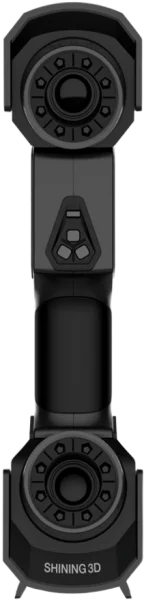
Multi-line laser scanner with 0.02 mm accuracy (with markers) and a 300 mm working distance (200 mm in fine scan) — built-in photogrammetry with no coded targets and a maximum FOV of 600 × 550 mm.
- ✓ 26+7+1 switchable laser line modes for coverage, detail, and deep-pocket scanning
- ✓ Patented built-in scale-bar photogrammetry — no coded targets required
- ✓ 1-year Shining 3D warranty · USB 3.0 wired connection
- ✓ Ship date confirmed by email after you order
Made to order
· Ship date confirmed by email after you order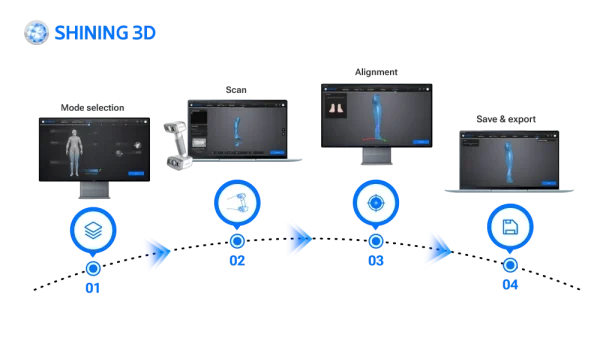
EXScan O&P is orthotics & prosthetics scanning software for the EinScan H2 handheld 3D scanner — preset body scan modes and an intelligent automatic alignment algorithm capture socket, limb, cranial, torso, foot, and seating scans, then export clean STL and OBJ meshes for your O&P CAD/CAM and design software.
- ✓ 8 preset O&P scan modes · cranial, face, upper/lower limb, torso, foot station, seating, socket
- ✓ Intelligent automatic alignment — real-time, step-by-step, minimal manual post-processing
- ✓ Exports STL and OBJ to CAD/CAM and specialized O&P design software
- ✓ Delivered as a licensed download — request editions and pricing
In stock
· Delivered as a licensed download; issued to order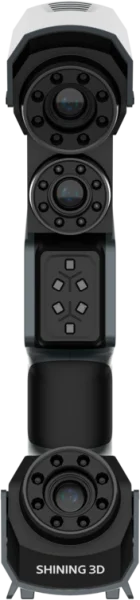
Handheld laser scanner with a 98-line marker-free mode and 0.02 mm accuracy with markers — Deep Hole Scan for holes, deep pockets, and fin walls.
- ✓ 98 laser lines for marker-free scanning of feature-rich parts
- ✓ Up to 3,010,000 points/s scan rate, point distance 0.01–3 mm
- ✓ Deep Hole Scan with 26 or single laser line
- ✓ 1-year Shining 3D warranty
- ✓ Ship date confirmed by email after you order
Made to order
· Ship date confirmed by email after you order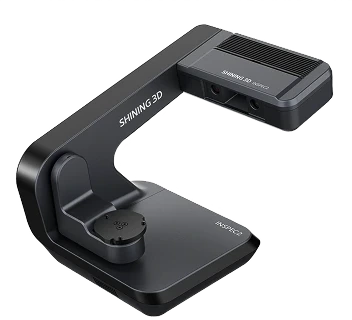
Automatic desktop blue-light 3D scanner for small, intricate parts — 0.01 mm accuracy, a 3-axis turntable, one-click scanning with AI-assisted UltraScan software, and a PTB-certified inspection module.
- ✓ 0.01 mm accuracy · 0.05 mm point distance · 2 × 5 MP cameras · full-color scanning
- ✓ Automatic 3-axis turntable · automatic calibration · one-click scanning · up to 8 objects per scan
- ✓ PTB-certified inspection module · SHINING3D Inspect, PolyWorks, Geomagic · 5 kg desktop
- ✓ 1-year Shining 3D warranty · authorized US reseller
- ✓ Ship date confirmed by email after you order
Made to order
· Ship date confirmed by email after you order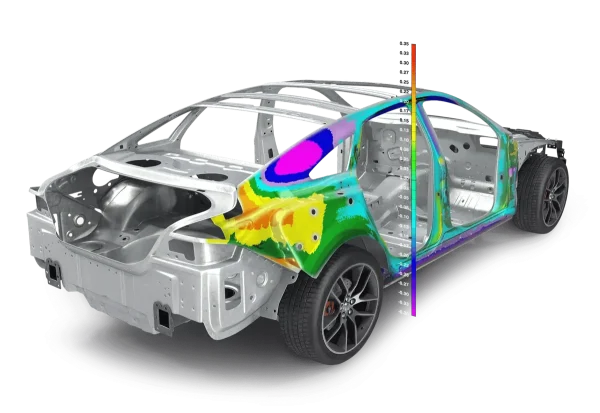
Universal 3D metrology inspection software — measure from any device, compare scans and probed points to CAD, run full GD&T to ISO and ASME, and generate traceable first-article reports. Offered through Additive Plus via Shining 3D.
- ✓ Device-independent · portable arms, laser scanners, laser trackers, photogrammetry, CNC CMMs
- ✓ Smart GD&T (ISO & ASME) · full-field deviation color maps · 2D, 3D & cross-section
- ✓ AS9102 / PPAP first-article reports · SPC · Gauge R&R · Play Inspection automation
- ✓ Delivered as a licensed download; issued to order — request editions and pricing
In stock
· Delivered as a licensed download; issued to order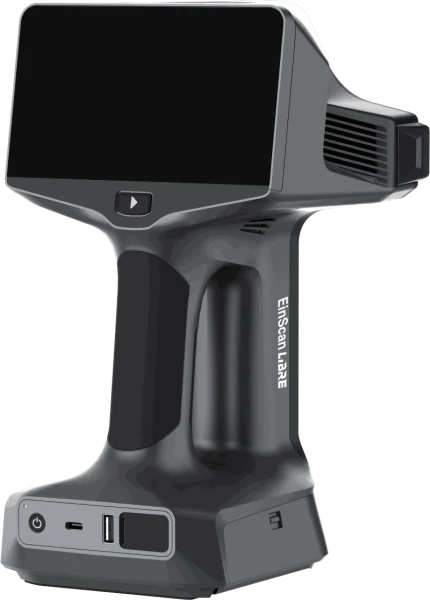
Wireless standalone 3D scanner with up to 0.04 + 0.06 mm/m volumetric accuracy and working distance up to 1.5 m in IR Rapid mode — onboard screen and PC-free operation for reverse engineering, design, and large-part capture.
- ✓ Tri-mode capture — IR Rapid, IR Adaptive, Laser HD — up to 4,500,000 points/s
- ✓ 5.5 in OLED touchscreen, 1 TB onboard SSD, NVIDIA Jetson Orin NX — no laptop required
- ✓ Full-color 48 MP texture camera, feature/texture alignment without markers, Wi-Fi + USB-C data transfer
- ✓ 1-year Shining 3D warranty
- ✓ Ship date confirmed by email after you order
Made to order
· Ship date confirmed by email after you orderWhat our customers say
“Harry and team were professional, effective communicators as we set up the order, then they executed quickly and produced an amazing product for us at a very competitive price. Am looking forward to our next print w Additive Plus!”
“Great 3D printing service and the resin parts look super smooth and clean. Really happy with how everything turned out!”
“Harry was very professional and helped me out with my 3D printing needs and explained what options I have in terms of filaments such as PEEK. Highly recommended.”
“I needed a 3D enclosure printed urgently in a specific time period, they did great!”
Common questions
Don't see yours? Email [email protected] — NDA on request, typical reply within 4 hours.
What is BlueStar Mapping and what does it do?
What texture resolution can BlueStar Mapping produce?
How accurate is the texture mapping?
What cameras and input files does BlueStar Mapping need?
What file formats does BlueStar Mapping export?
Which scanners does BlueStar Mapping work with?
Can I edit textures in Photoshop, and what OS does BlueStar Mapping need?
Place your order, or talk to an engineer first
Order Shining 3D BlueStar Mapping Texture Software – True-Color 3D Texture Mapping | Up to 16K direct, or talk to materials engineer