QPIX CONTROL2
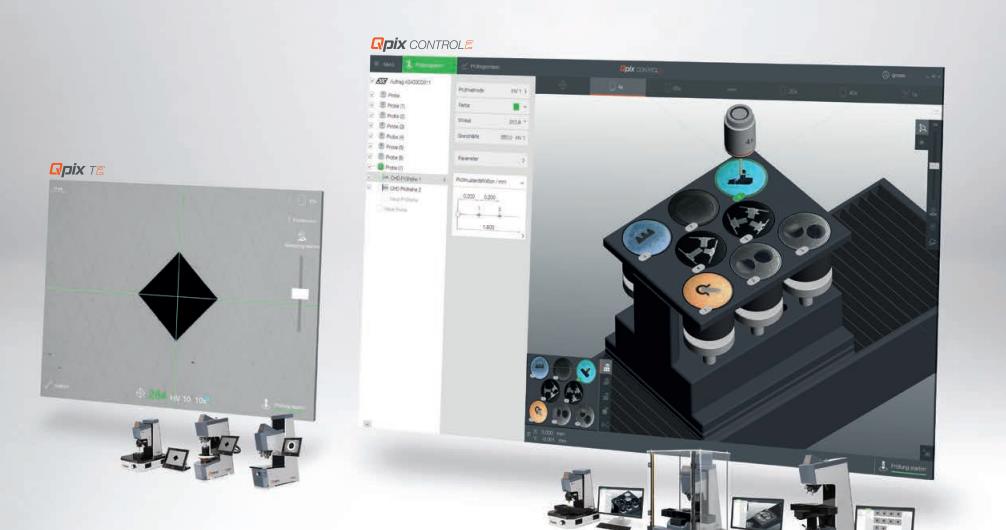
Qpix Control2 heralds a new generation of hardness testing software
Need an official request?
- Description
- Details
- Materials
- Documents
- Videos
- Review
Description
FEATURES
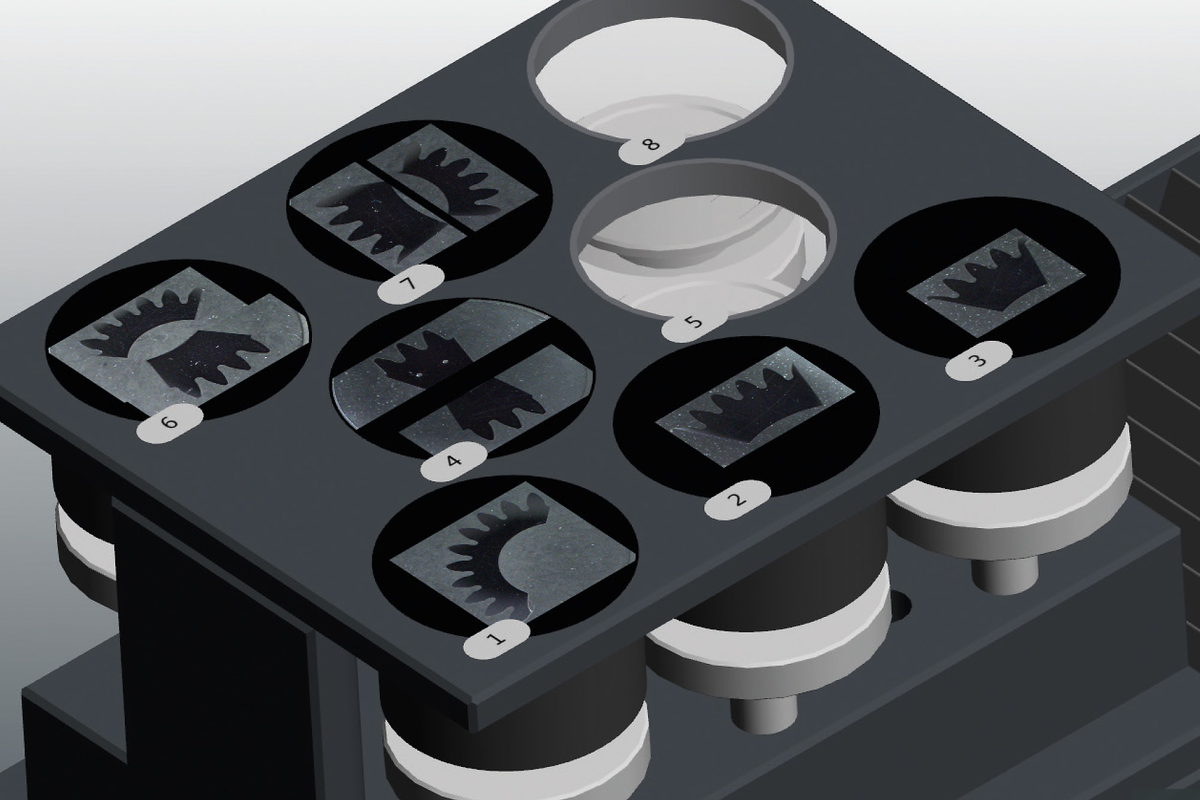

Simple management of several samples at the same time even with a variety of sample types in a single mould.
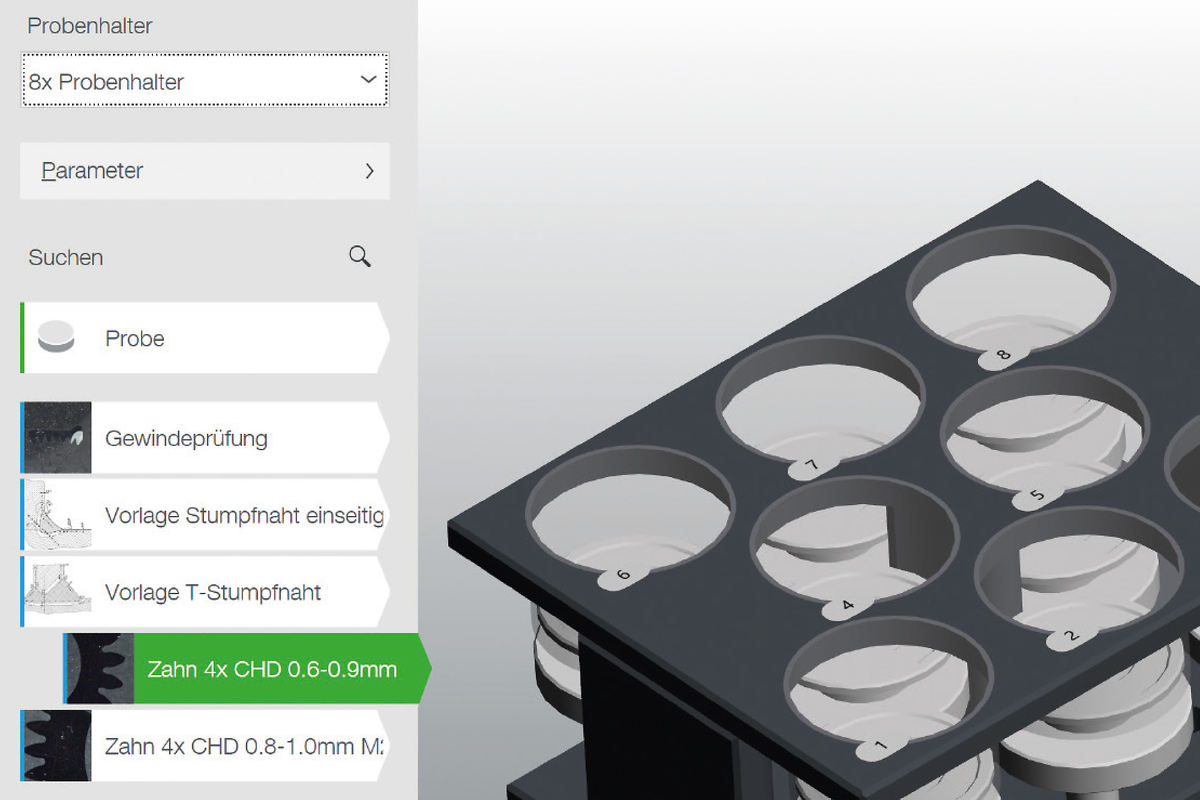
Graphic presentation of stored templates with compre-hensively detailed descriptions and freely selectable guidelines.
Time-saving test mode ‘Complete all indentations – then evaluate’ and ‘Optimum Stop’ to complete test series as soon as the lower hardness limit has been undercut.
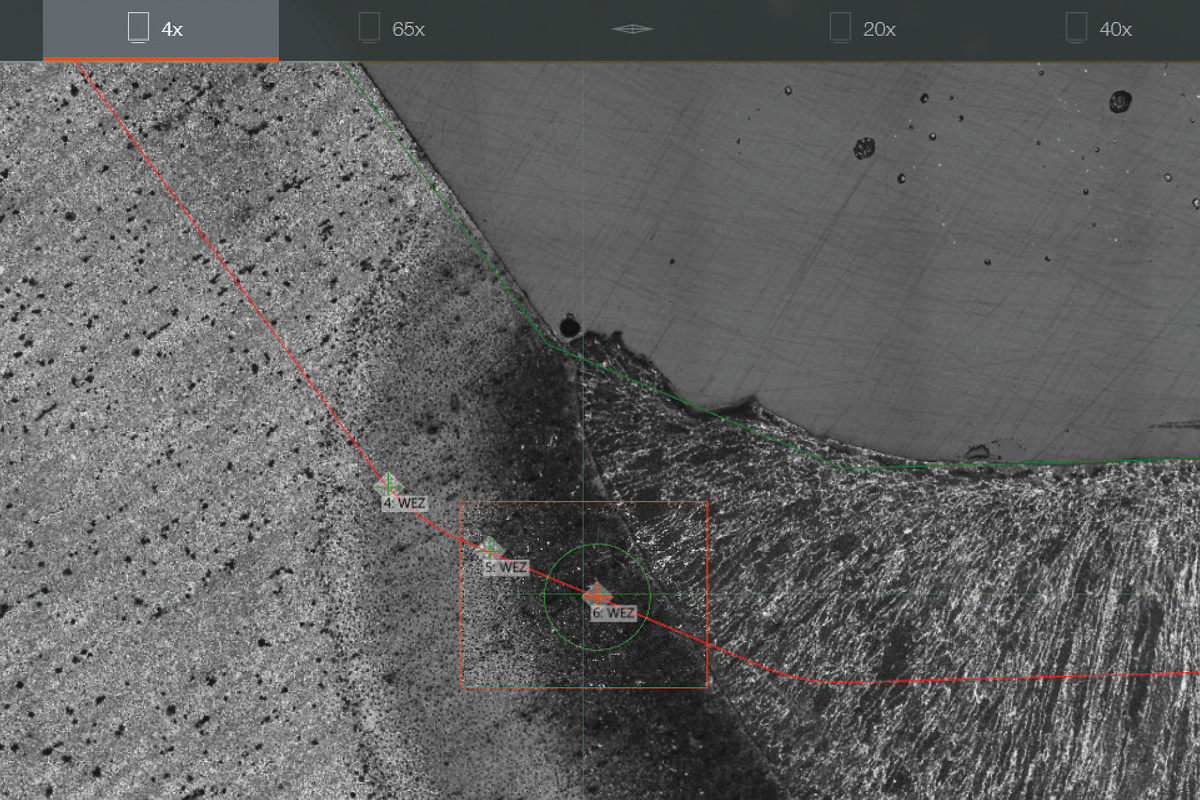
Points along – and parallel to – a polygon line, test point marking and guide circles for exact test point positioning in the heat affected zone of the welded sample.
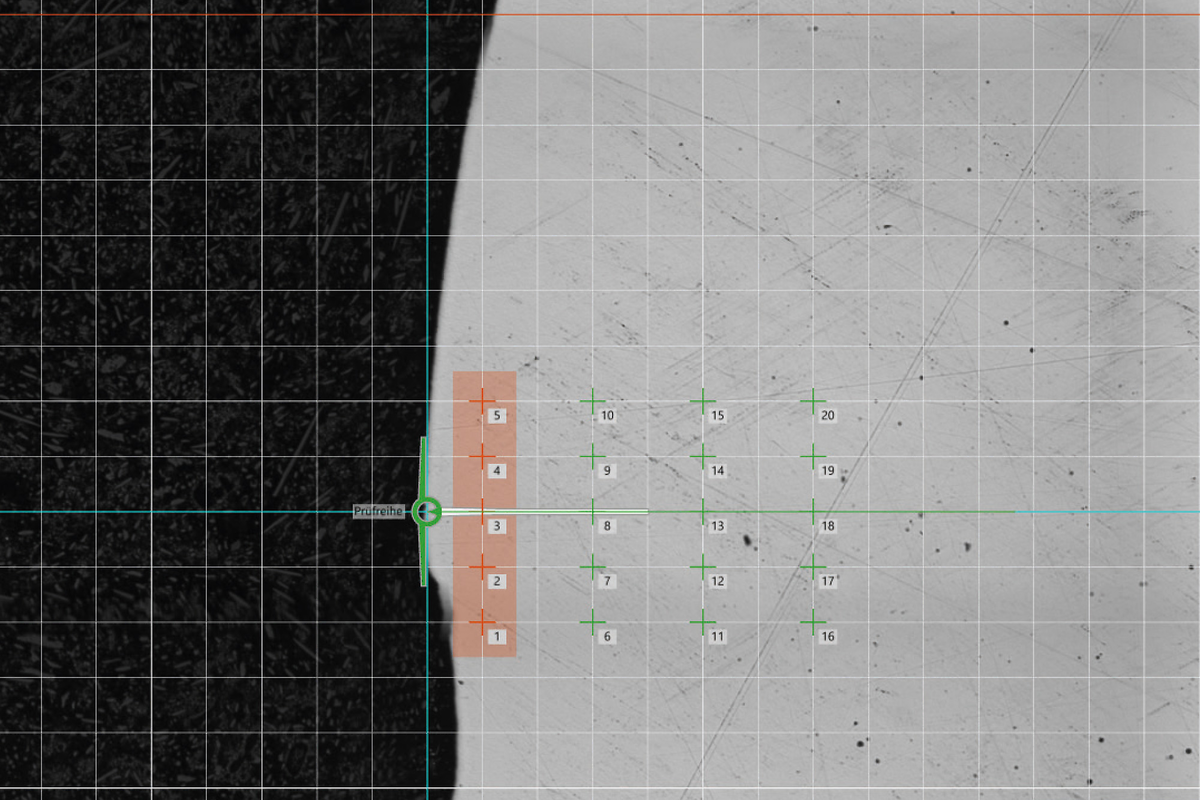
Grouping of test points to gain averages and deletion of anomalies in hardness profiles.
Simple management of several samples at the same time even with a variety of sample types in a single mould.
Graphic presentation of stored templates with compre-hensively detailed descriptions and freely selectable guidelines.
Time-saving test mode ‘Complete all indentations – then evaluate’ and ‘Optimum Stop’ to complete test series as soon as the lower hardness limit has been undercut.
Points along – and parallel to – a polygon line, test point marking and guide circles for exact test point positioning in the heat affected zone of the welded sample.
Grouping of test points to gain averages and deletion of anomalies in hardness profiles.
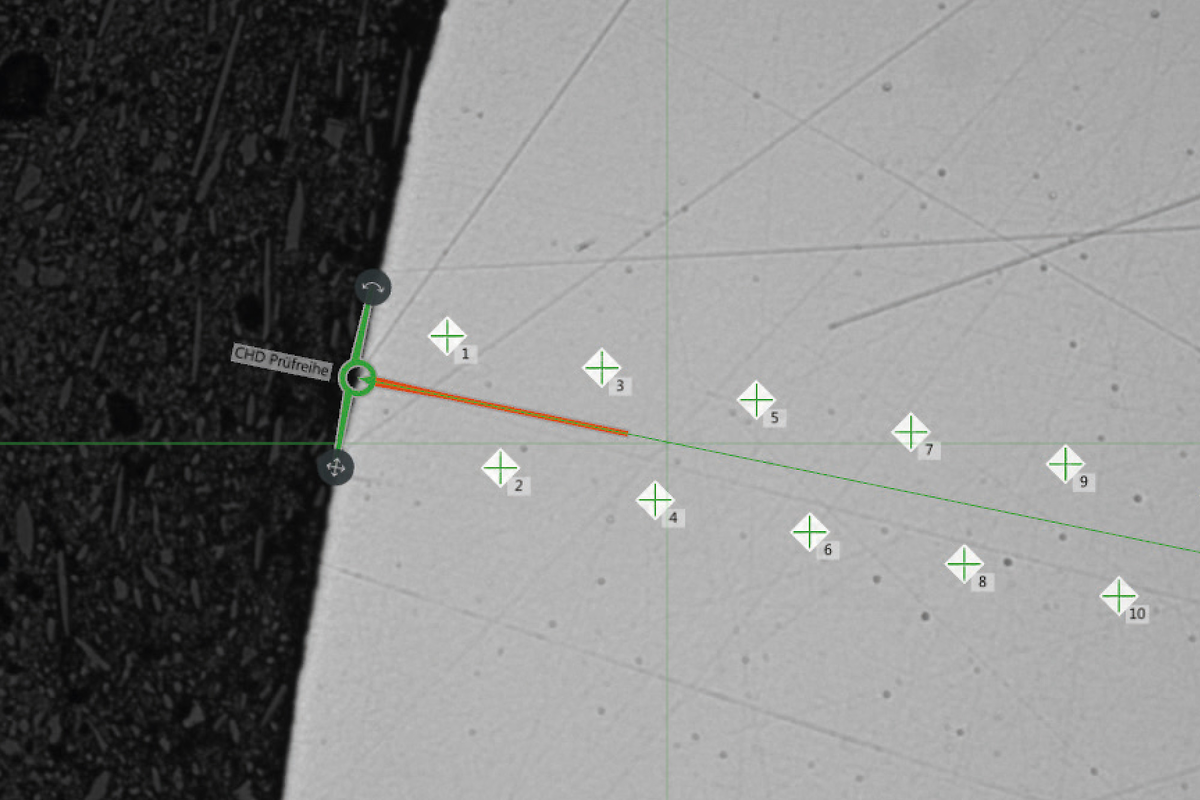
Displays the expected indentation size to simplify positi-oning and provides graphic warning when test points are closer than the normed minimum distance.
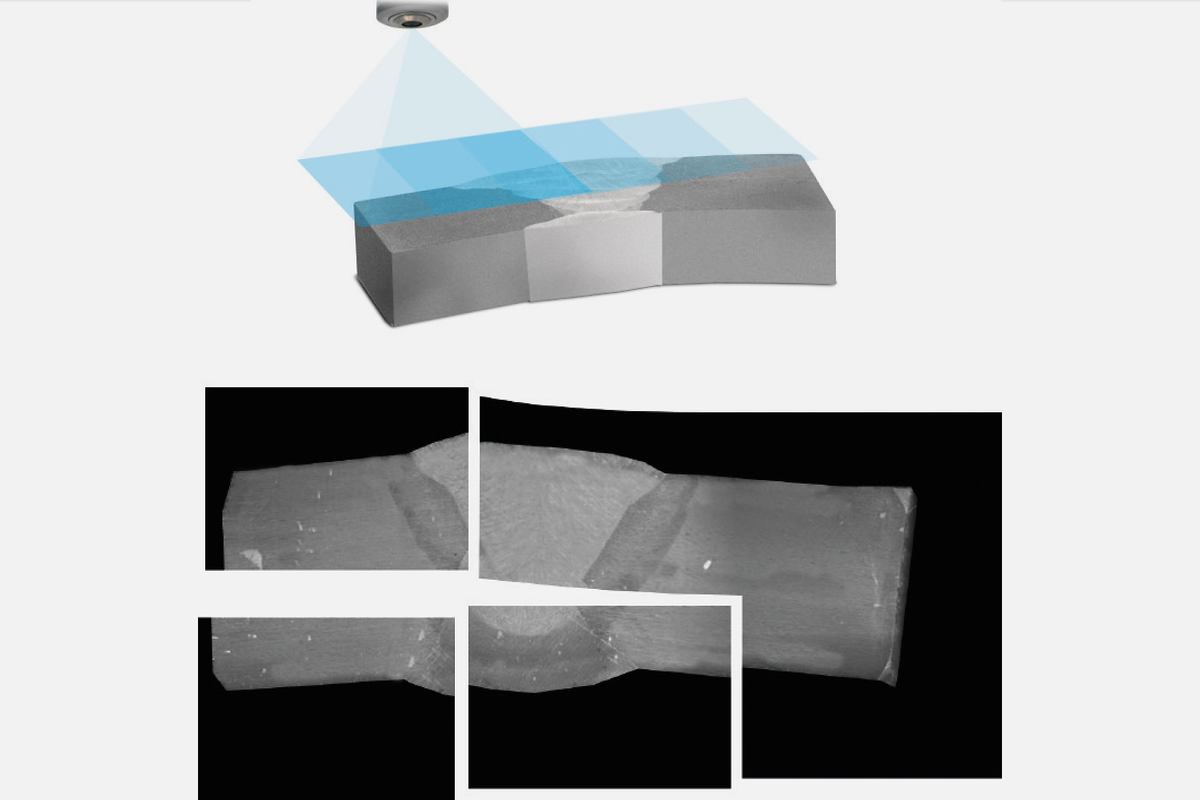
For sample image camera and measurement camera. Crystal clear sample images, from very small to extremely large test items. Automatic imaging can be programmed for before and after test sequence completion.
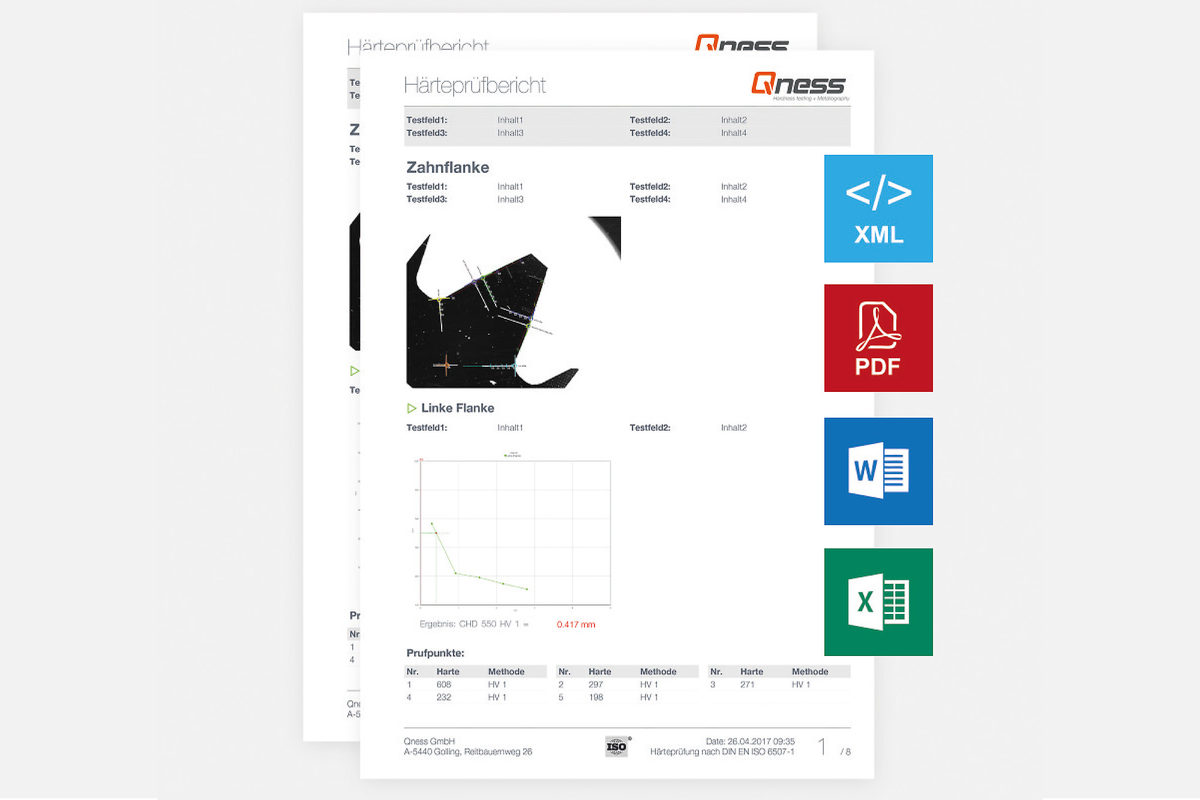
Configurable protocol and data presentation. Wide range of structuration options for stored test item data. Adaptable content for export files and protocol content simplifies daily operation with Qpix Control2 software.
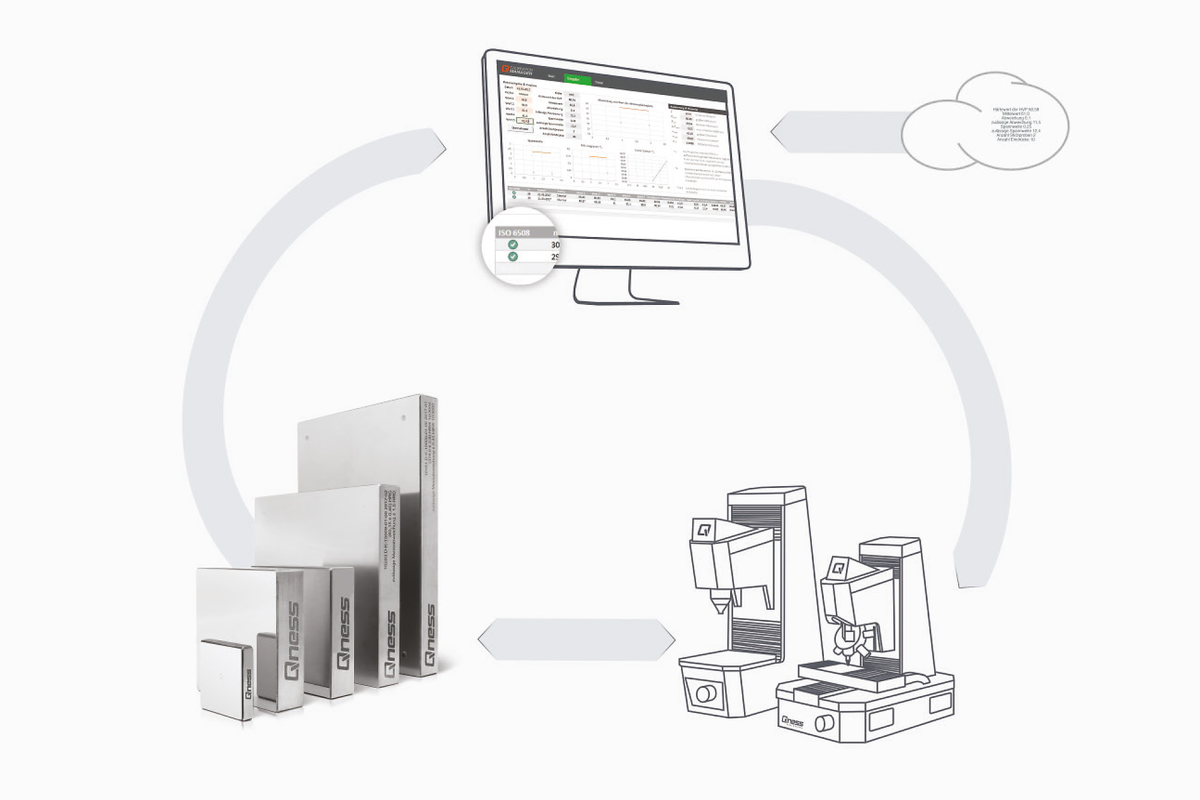
Redefining calibration result management: The Qness Calibration Manager can be set up to provide users with reminders of necessary checks at selected intervals. Test results can be added to the ongoing statistical profile at the push of a button.
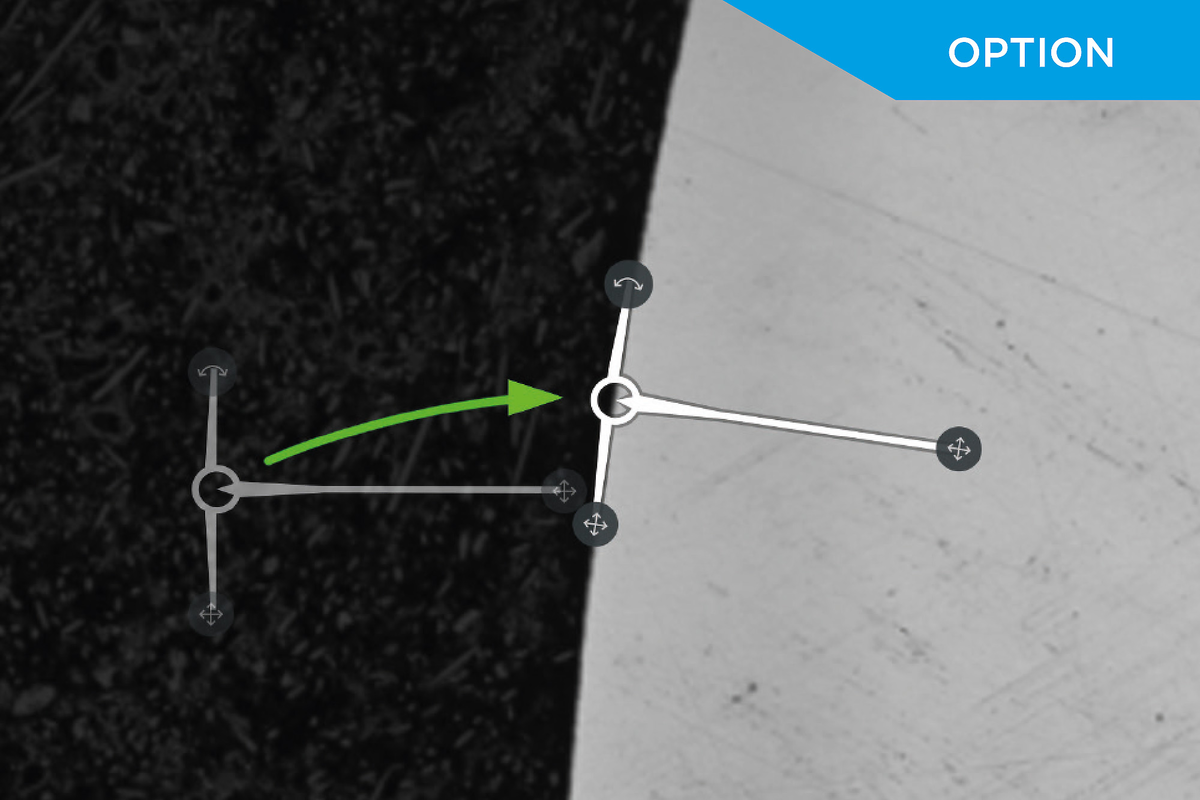
Working with program templates and the edge recognition software module makes fine-positioning of test rows irrelevant. The machine moves to the start points automatically and corrects their positions before the test sequence is started.
Displays the expected indentation size to simplify positi-oning and provides graphic warning when test points are closer than the normed minimum distance.
For sample image camera and measurement camera. Crystal clear sample images, from very small to extremely large test items. Automatic imaging can be programmed for before and after test sequence completion.
Configurable protocol and data presentation. Wide range of structuration options for stored test item data. Adaptable content for export files and protocol content simplifies daily operation with Qpix Control2 software.
Redefining calibration result management: The Qness Calibration Manager can be set up to provide users with reminders of necessary checks at selected intervals. Test results can be added to the ongoing statistical profile at the push of a button.
Working with program templates and the edge recognition software module makes fine-positioning of test rows irrelevant. The machine moves to the start points automatically and corrects their positions before the test sequence is started.
Documents

Videos